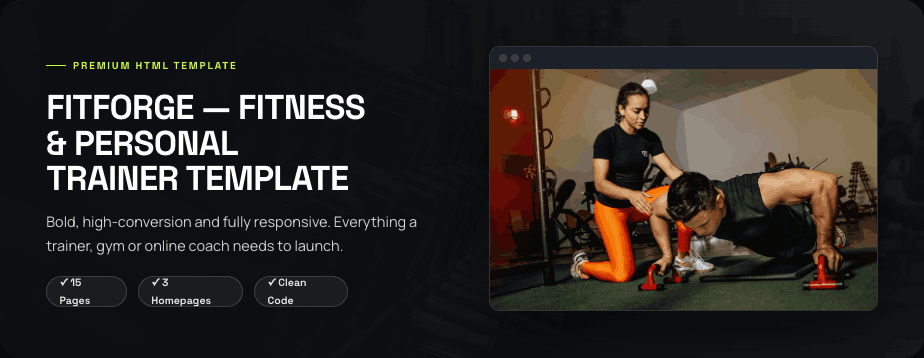
FitForge — Fitness & Personal Trainer Template
Overview
FitForge is a bold, high-conversion HTML template built for personal trainers, gyms, studios and online coaches. It ships with 15 ready-made pages and three distinct homepage styles that share the same energetic design language, so you can launch a premium fitness website quickly and keep a consistent look throughout. Clean, customisable code makes it easy to edit and later convert into a WordPress theme.
Who It Is For
Ideal for personal trainers and coaches, gyms and fitness studios, CrossFit boxes, online coaching businesses and any health and fitness brand that wants a strong, results-focused online presence.
Key Features
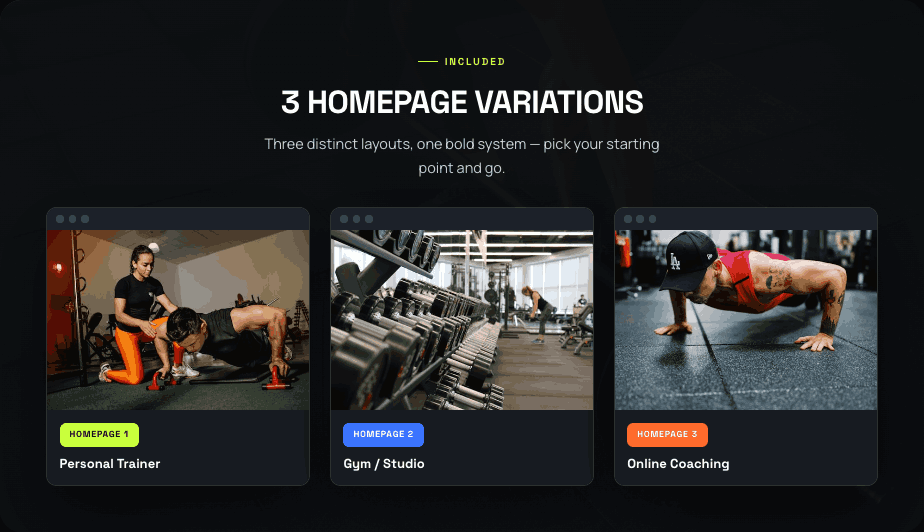
- Three homepage variations built on one bold design system: Personal Trainer, Gym / Studio and Online Coaching
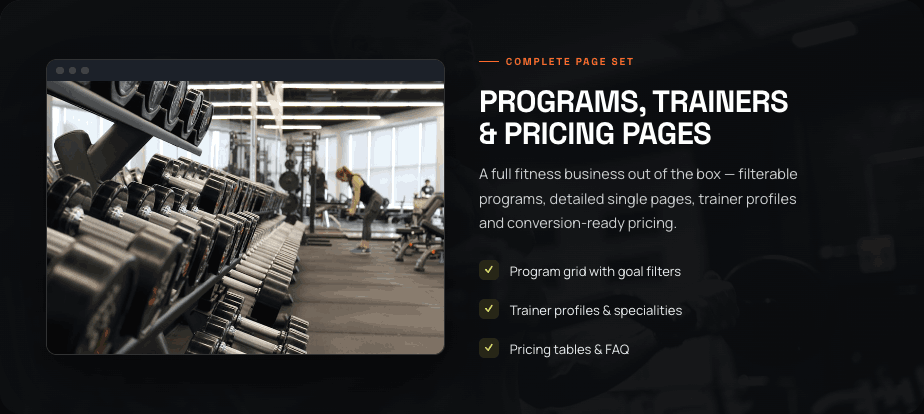
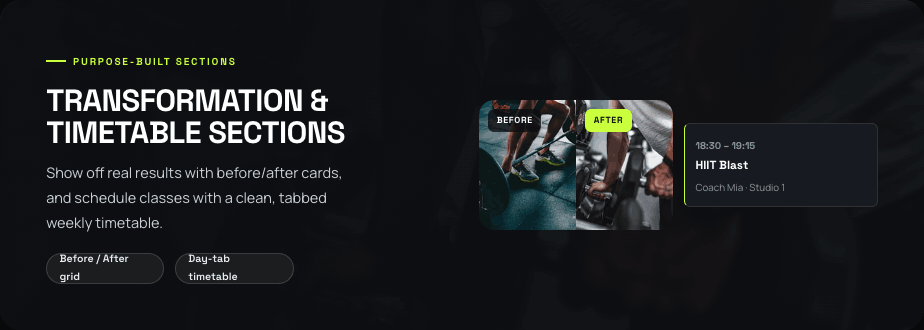
- 15 HTML pages including Programs grid with goal filters, Program Single detail page, Trainers grid and single profile, Transformations (before/after), weekly Timetable with day tabs, Pricing with plans and FAQ, About, Blog and Blog Single, and Contact with form and map
- Six ready-made promotional banner blocks
- Reusable components: cards, chips, accordions, tabs and sliders
- Pure HTML, CSS and vanilla JavaScript with no frameworks for fast loading
Customisation
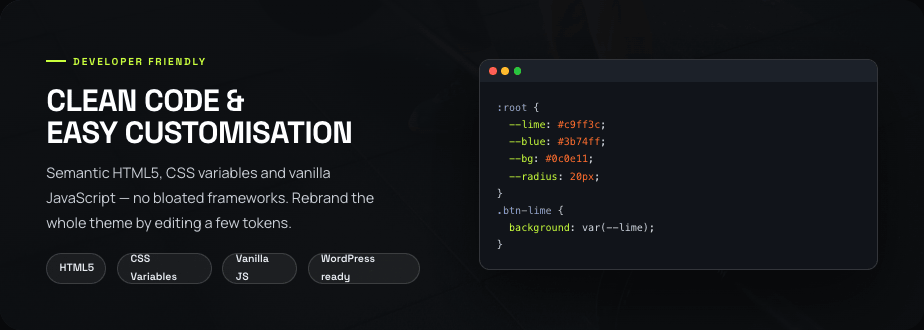
Rebrand the entire theme by editing a small set of CSS variables (design tokens). Semantic, well-structured markup and clearly commented code make it straightforward to swap content, adjust the colour palette and rearrange sections to match your brand.
Responsiveness & Compatibility
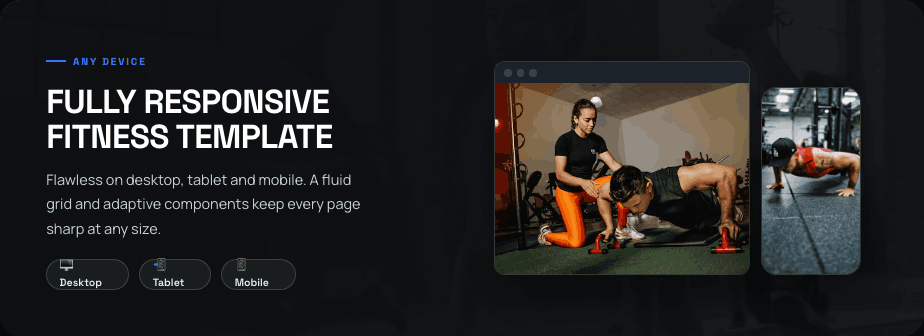
Pixel-perfect across desktop, tablet and mobile thanks to a fluid grid and adaptive components, and built with SEO-friendly semantic HTML5, clean headings and accessible forms. The clean structure is designed to convert easily into a WordPress theme.
Installation
Upload the template files to your server, then edit the HTML pages to add your own programs, trainers, timetable, pricing and contact details.
Support
Includes free support through our help channels to help you get your fitness site live.
Features & Plugins
600+ Google Fonts
Huge selection of fonts from the Google Fonts collection that you can use in Theme

HTML5 & CSS3 Code
Structured and easy to read code will help you easily navigate the theme

Fully Responsive Design
Stylish and comfortable design looks equally beautiful on different devices.
Retina Ready
Adapted designs for high resolution screens

High Speed & Extra Optimized
High speed of loading pages and their optimization for quick viewing of content

SEO friendly
Optimized and adapted for implementing SEO tools on your website

Adaptive Images
Pictures automatically adapt to the screen size and do not lose in quality

Animation Effects
On pages and elements various simple animations of images and texts are used
Free Fonts & Images
When developing we used free images and fonts

Trending Design
Stylish and fashionable design that meets all modern requirements
Easy to Change
Easily and simply change the color of the text, background, font and adapt to your design
Grid System Used
During development, a structural grid was used to place content (Bootstrap, Custom Grid)